
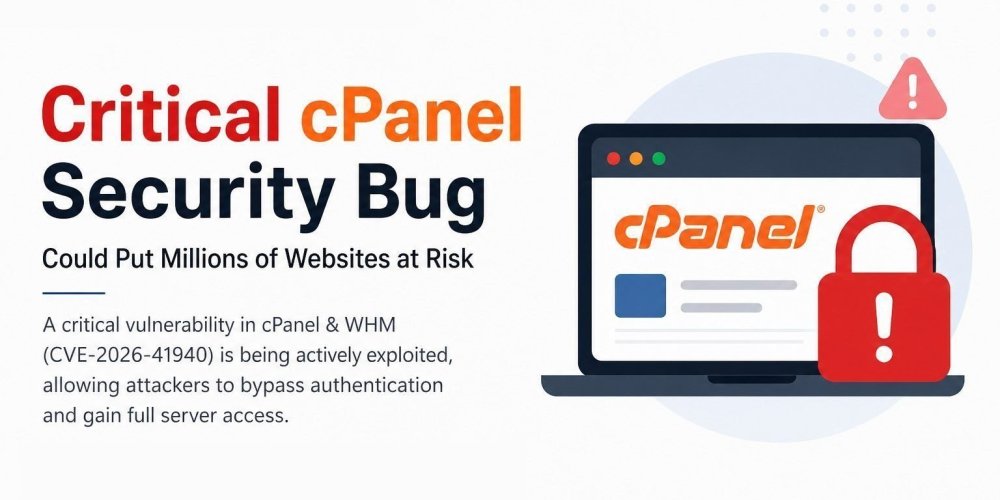

If you run a server with cPanel or WHM, stop what you’re doing and read this.
A critical authentication bypass vulnerability — tracked as CVE-2026-41940 with a CVSS score of 9.8 — was publicly disclosed on April 28, 2026, and it’s already being exploited in the wild. This isn’t a theoretical risk or a “patch when convenient” kind of situation. Exploitation attempts were spotted as early as February 23, and CISA has added this CVE to its Known Exploited Vulnerabilities catalog.
According to cPanel, this vulnerability affects every currently supported version of cPanel & WHM — not some, not a few, not a specific release track. All of them.
What’s Actually Happening Under the Hood
The short version: an attacker doesn’t need your password. Not even close.
The vulnerability stems from a CRLF injection weakness in the login flow and session handling. Attackers can inject malicious data into session files via manipulated Basic Auth headers or cookie values, effectively forging administrator sessions with user=root, hasroot=1, and other elevated flags.
An unauthenticated attacker injects crafted lines into a pre-authentication session file. When cpsrvd re-parses that file, the injected lines become top-level session entries — including user=root, hasroot=1, tfa_verified=1 — effectively promoting the session to a fully authenticated root session, bypassing both the password and the two-factor authentication gates without ever touching a real auth code path.
Two-factor authentication doesn’t save you here. That’s what makes this particularly dangerous for hosting environments.
Step 1 — Check Your cPanel Version
First, confirm exactly what’s running on your server:
/usr/local/cpanel/cpanel -VcPanel’s patched releases address the issue across seven version branches, from 11.110.0 through 11.136.0, as well as WP Squared version 11.136.1. If your build is behind those numbers, you are vulnerable.
Step 2 — Update Immediately
Run the forced update:
/scripts/upcp --forceOn newer systems:
/usr/local/cpanel/scripts/upcp --forceAfter the update completes, verify cPanel services came back up cleanly:
systemctl status cpanel
Step 3 — Patch the OS Too
If your server runs CloudLinux, don’t stop at cPanel. Patch the OS packages as well:
dnf update -yOn older CloudLinux installs:
yum update -yOn older CloudLinux installs:
yum update -y
To confirm your CloudLinux version:
cat /etc/redhat-releaseStep 4 — Lock Down Access to WHM/cPanel Ports
While you’re at it, check what’s exposed:
ss -antp | grep 2087
Or
netstat -antp | grep 2087Security teams recommend restricting access to cPanel/WHM ports — 2082, 2083, 2086, 2087, 2095, and 2096 to known administrative IP ranges. If you’re not already doing this with your firewall or CSF, now is the time.
Step 5 — Look for Signs of Compromise
Don’t just patch and move on. This vulnerability was being exploited as a zero-day, which means someone may have already been in your server before any patch was available.
Check recent cPanel access logs:
/tail -200 /usr/local/cpanel/logs/access_log
Review root login history:
last | head -30Inspect /var/cpanel/sessions/raw/ for pre-auth sessions containing user=root, hasroot=1, tfa_verified=1, successful_internal_auth_with_timestamp, or multiple pass= lines. These are direct IOCs (indicators of compromise) for this specific exploit.
If anything looks off — rotate root passwords, reseller credentials, API tokens, and SSH keys immediately. Don’t just change one.
What We Think About This Situation
Patching is the obvious first step, but there’s a bigger issue here worth naming.
cPanel controls roughly 94% of the control panel market. When a single vulnerability affects that much infrastructure all at once, and a proof-of-concept is published within 24 hours of disclosure, the window between “patch released” and “mass exploitation” is measured in hours — not days.
The Shadowserver Foundation observed around 650,000 IPs hosting exposed cPanel/WHM instances, with tens of thousands of scanning and exploitation attempts already underway.
For most server administrators, the lesson here isn’t new: keep your software updated, restrict management ports to known IPs, monitor logs regularly, and don’t rely on any single security layer. For those who haven’t been doing that consistently — this is a good reason to start.
At ZendForce, we handle server hardening, emergency patching, and post-compromise review for clients when situations like this come up. If you’re unsure whether your server is patched or want a second set of eyes on your logs, feel free to reach out.
A secure server isn’t a one-time project. It’s something you maintain.
Have questions about your server’s security posture? Contact us or check our Server Management Services.
One Response
The content is really great